
Several Ad Platforms Claim the Same Order. Which Number Should You Trust?
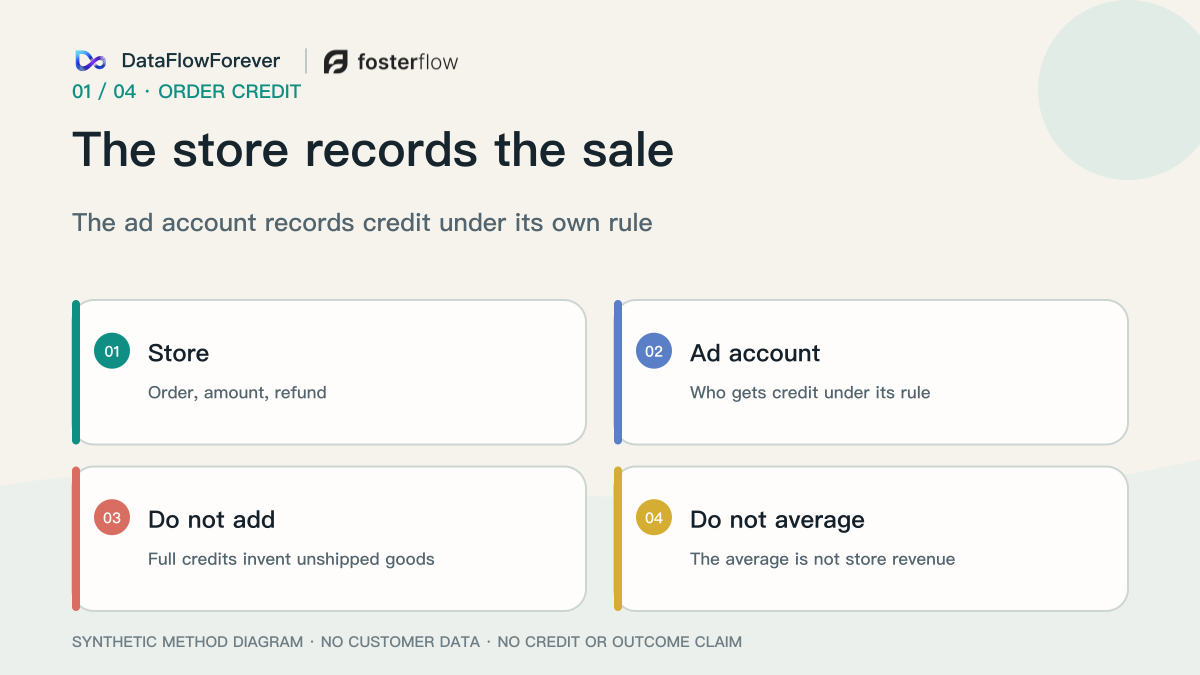
The store answers whether the order exists, what it paid, and whether it was refunded. Each ad account answers who gets credit under its own rule. Do not add the full amounts.
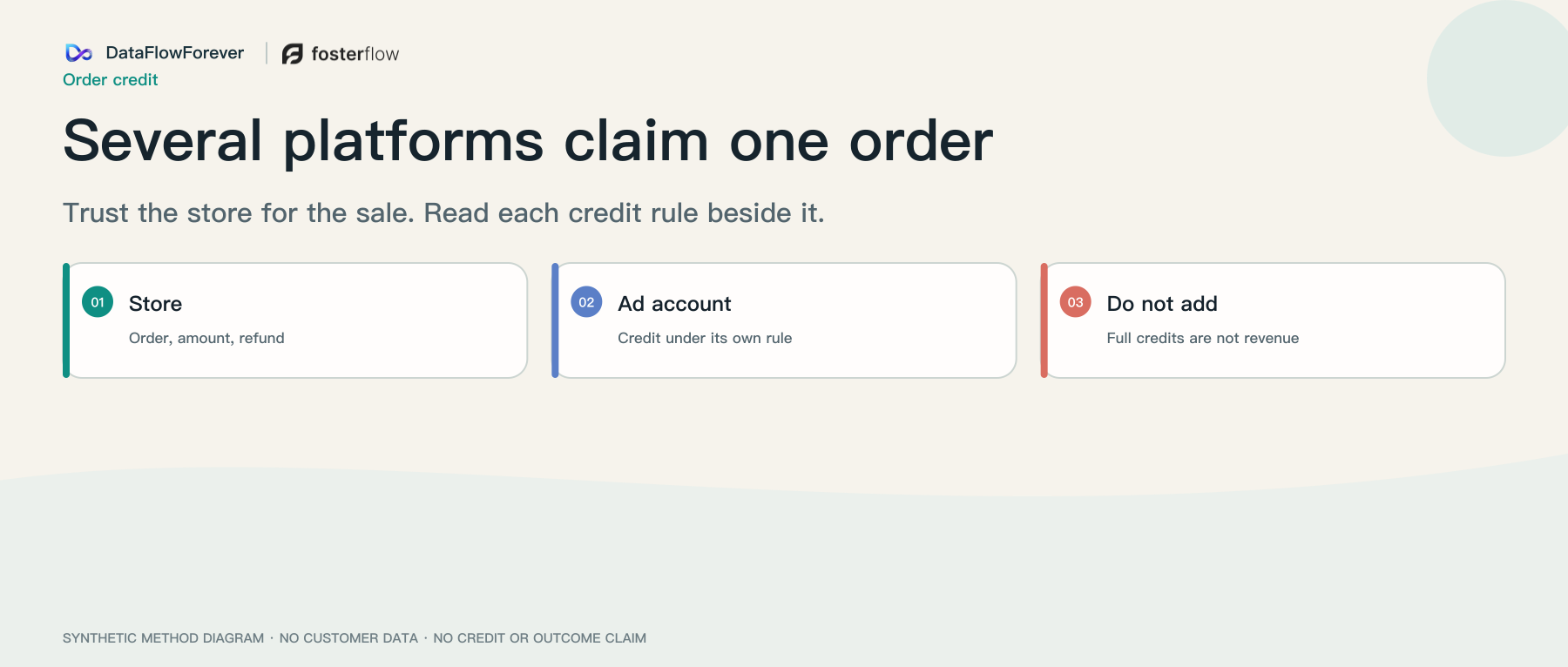
Direct answer: One completed sale can show up as a full purchase in more than one ad or media account, and in email. That does not create extra orders. The store answers whether the order exists, what it paid, and whether it was refunded. Each ad account answers a narrower question: under my rule, who gets credit? Changing the rule can move the credit. It does not multiply the order. Do not add the full amounts, and do not average them. The sum invents goods that never shipped. The average is not what the store booked.
This page is about conflicting credit for one order. It is not the job of diagnosing rising ad costs or of tracing ROAS through profit and cash. A sudden conversion-rate drop is a separate incident: how to triage it.
Why several reports can all be right
Export the store row first: order ID, payment time, amount, refund. Meta, Google, and other media accounts are not repeating that row. They are saying the purchase is related to a click or impression they are allowed to see.
Because the questions differ, two full credits can both be internally consistent. Picking one screen as the judge does not stop the others from asking for budget next week.
Align the amount before you argue. One side may still show the pre-refund purchase. The store may already show the amount after the refund. The gap can be the refund. Do not call it extra credit until you know which figure each side used.
Align the date. Some accounts book the purchase on the click day, so Friday’s payment appears on Monday’s row. If two Fridays do not match, ask whether the column is click date or payment date.
There are also two clocks. Store visit details can take up to 48 hours to fill in. That wait is about whether the summary will appear. An ad lookback asks something else: is this payment still close enough to an earlier click or impression? A click that is already outside the stated days does not become last click because you waited.
Source: Shopify conversion summary.
First click, last click, and data-driven attribution
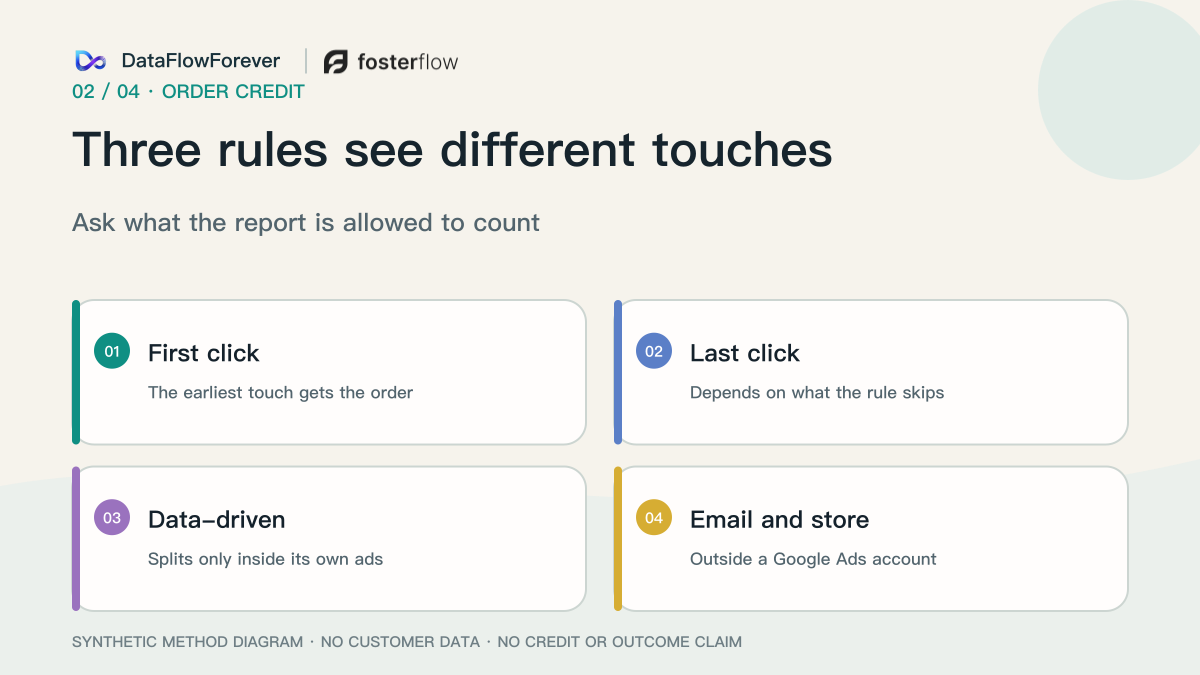
These names are not one switch. Ask what the report is allowed to see.
First click gives the whole order to the earliest eligible touch and zero to the rest. If the report can see both an ad click and a later email click, the ad gets the order.
Last click gives the whole order to the latest eligible touch. “Latest” depends on what the rule ignores.
Paid and organic last click, also called last non-direct click, ignores a direct visit and gives the whole value to the last channel the customer clicked through. An engaged video view can count. Ad click, then email click, then a direct visit to pay: the email gets the order.
Paid-channel last click gives the whole order to the last click on that ad channel. Email does not compete. If there is no paid click, the report falls back to another rule. Do not keep calling that result a paid click.
Data-driven attribution does not lock the whole order to the first or last touch. Inside a Google Ads account it distributes credit only across that account’s ads: Search including Shopping, YouTube, Display, and Demand Gen. It compares paths that converted with paths that did not, and the split can differ by account. It is the default for most conversion actions. Google cites a data-volume suggestion; the model still runs with less data, so the suggestion is not an on/off switch. It does not see another ad platform, email, organic search, or the store. With only one eligible ad interaction, it more often lands on the same touch as last click.
Analytics has another model that is also called data-driven. It is not the Google Ads ledger. A help-center sentence about holdout training describes that product’s own model. It is not proof that this store ran a test this week. On one path, changing the model can move the entire value to organic search, email, paid search, or video. The order is still one order.
Sources: Google Ads data-driven attribution, Google Analytics attribution models.
Click, view, and engagement are different day counts
Some ad sets do not use those three names. The settings are standard, incremental, and custom.
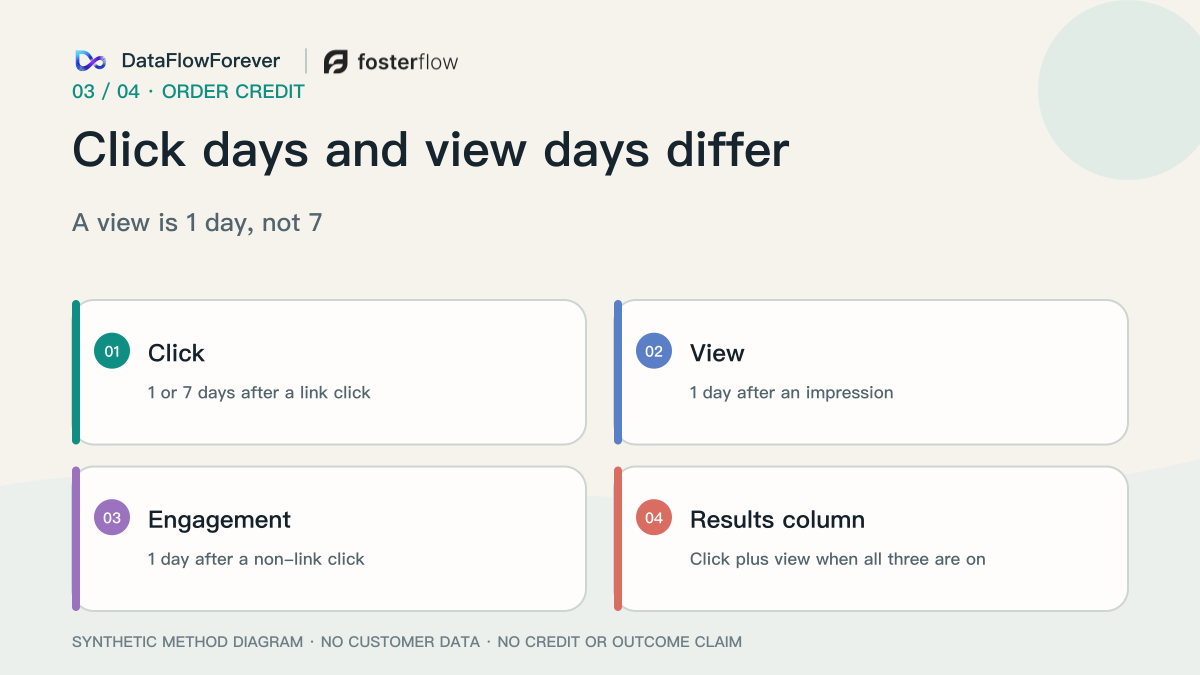
For website and in-store standard settings, a click is 1 or 7 days after a link click. A view is 1 day after an impression. Do not write the view window as 7 days. Engagement is 1 day after a click that is not a link; video can be 5 seconds, or 97% when the video is shorter. A later email click does not cancel that claim. This is not last click across the whole path.
Incremental is the platform’s own model of whether the ad caused the conversion. It is not the merchant’s holdout this week. Custom hands an outside tool’s logic to the platform for optimization. That does not make the outside tool and the store agree on one owner. Do not compare ad sets that use different models in one campaign total.
When click, view, and engagement are all selected, the results column adds click and view only. The published example is 5 clicks, 15 views, and 3 engagements: the results column is 20. The 3 stay in the engagement column.
Sources: Meta attribution settings, Meta results column.
How one order lands in each report
This walk-through uses the public rules above. It is not a real store’s ledger.
Monday the customer clicks an ad link and does not buy. Tuesday they click a YouTube ad and do not buy. Wednesday morning they arrive through organic brand search and do not buy. Wednesday afternoon they click a brand search ad and still do not buy. Thursday they open an email and click the link. Friday they pay in a different browser. Money arrives once. Monday’s click is more than 1 day and less than 7 days before payment.
- Report: Store · What it can write: If Thursday’s email identifier is still present, the source is email. If it is lost, the source is direct or blank. The order remains one order.
- Report: Ad account on a 7-day click · What it can write: Monday’s link click can still receive the whole order. A 1-day click setting cannot. A Monday impression with no click is outside the 1-day view window by Friday.
- Report: Google Ads · What it can write: It sees Tuesday’s YouTube ad and Wednesday afternoon’s brand ad only. First click inside the account goes to Tuesday. Last click goes to Wednesday afternoon. Data-driven credit may split or match last click.
- Report: Analytics · What it can write: Paid and organic last click gives the order to Thursday’s email. Paid-channel last click gives it to Wednesday afternoon’s brand ad.
- Report: Email tool · What it can write: It may claim Thursday again from an open or a click. That is a second ledger, not the analytics assignment.
- Report: A stitcher’s first click · What it can write: The whole order lands on Monday. Sending every click ID to every platform does not elect one owner.
Three mismatches, three checks
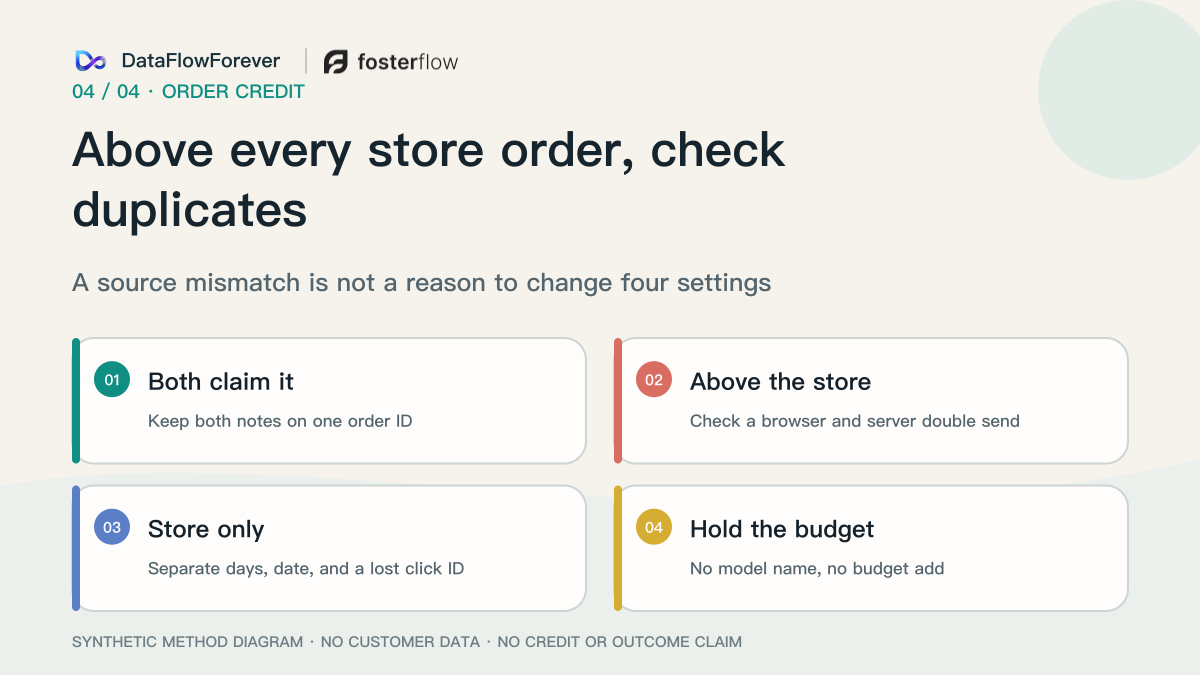
Two full credits on one order ID, or an ad count above the orders the store labeled with that channel, is often not a defect. Views, engagement, and a 7-day link click explain many of those gaps. Keep both statements beside the order ID. Do not add them, and do not delete one side to make the table neat.
Stop when reported ad purchases exceed every completed store order. The extra goods are not on the shelf. Check whether the same order was sent twice, once from the browser and once from the server, without a shared event ID. A shared event ID can block the second send inside one platform. It does not stop two platforms from each claiming the order.
If the store has the order and the ad account does not, do not call it under-reporting yet. Separate the day count, click date versus payment date, and a lost click identifier. A browser change, a blocked identifier, or a private session can drop the click. Do not average the two counts. An empty store source also does not prove the ad account invented an order. Headless storefronts, draft orders, phone orders, and quotes can have an order ID and no visit timeline. Those details can take up to 48 hours. A repeat purchase can be direct because there was no new visit. A staff member who clicks an ad and then keys the order creates a real order and an employee click.
A multiple is not a budget decision
Credit says who receives the order under the current rule. Incrementality asks whether the order would exist if the ad were not shown. Bidding is what the system will pay for the next impression. Do not fold the three into one multiple. A platform “incremental” setting is that platform’s model, not this week’s merchant test. Paid credit that overlaps organic search, brand queries, or email can overstate the growth that was actually added.
Keep brand search apart from non-brand. Do not compare a new customer’s first order with a repeat or subscription charge. Store revenue divided by store spend shows whether the week is tight. It does not assign the order. Budget looks at margin after refunds, and at whether orders and margin move after spend on that type actually changes.
Sources: incrementality is not attribution, paid-attributed conversions can overstate growth when paths overlap.
What to write beside the order ID
Export store orders. For each ad or media account, write the model name, what it can see, how many days it looks back, whether the date is the click day or the payment day, which columns are already inside the results total, and whether the amount is before or after refunds. If the model name cannot be stated, do not use that screen to add budget this week.
Keep both claims when the order IDs match. If ad purchases already exceed all store orders, check a duplicate send. Otherwise do not change four settings in the same week just to make the tables match. Split the noisiest day into three piles: claimed on both sides; present in ads with a blank store source; present in the store and absent from ads. Talk about budget after the piles exist.
When the next question is whether credited revenue survives refunds, contribution, and cash, continue with ROAS, profit, and cash.